Figma Depth | Motion Ad | Walkthrough
Description
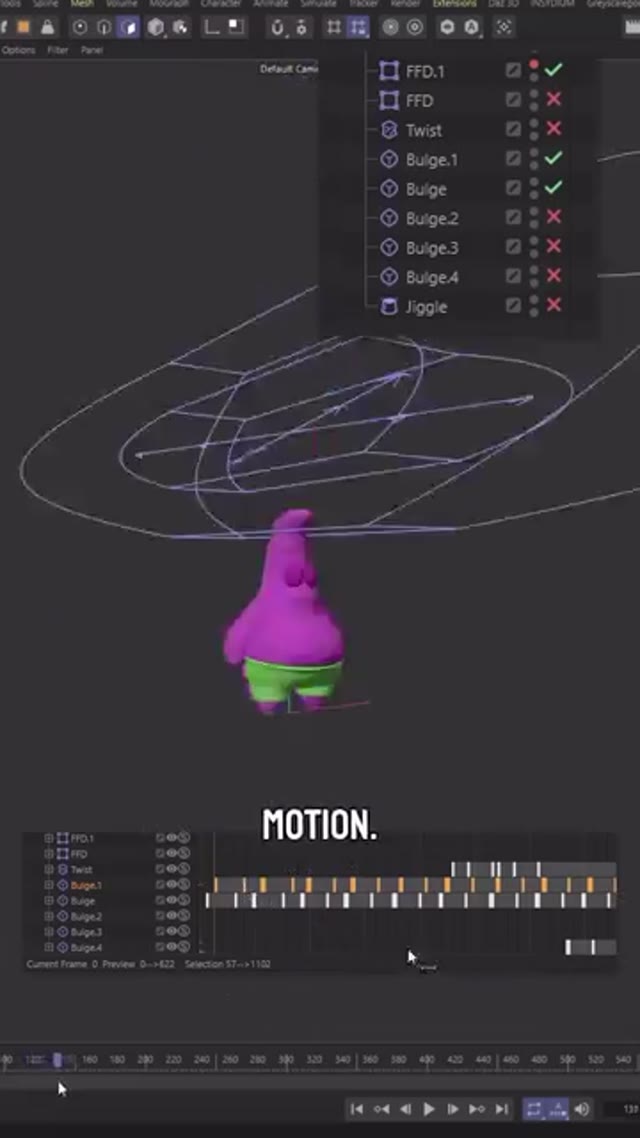
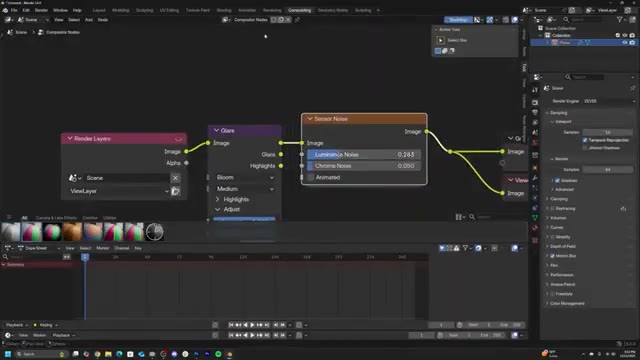
I wanted to see how far I can push a clean pipeline where AI supports the build instead of making the final video. So I ran a full end-to-end motion project and documented the steps: I started with concept and quick script beats (AI-assisted), then did fast look-dev and references to lock the vibe. From there I designed a character, refined it, and converted it to 3D, built a sample UI in Figma, and assembled the scene and tweaks in Blender. My favorite trick lately was exporting a 3D camera shot with green/blue screen, then swapping in environments via Kling O1 while keeping full control of the shot. After that it was classic After Effects work for animation and compositing, plus VO, music, and quick sound cleanup in Premiere. I limited the whole thing to 3 shifts to force fast decisions. *** This is not an official Figma ad, it is made up for practice purpose ***
![[For hire]From concept to final frame , a peek behind the scenes of the STARFELL animation game trailer by Lanrezzy](https://external-preview.redd.it/cWY3NXF4c3czYXFnMVRD2Z8bz_c3vA3WblLG3p13vDE7Opx-If_yuCwdXeyt.png?width=640&crop=smart&auto=webp&s=8d48d3b1db218f272d42d7feb1d712a51dc08a85)